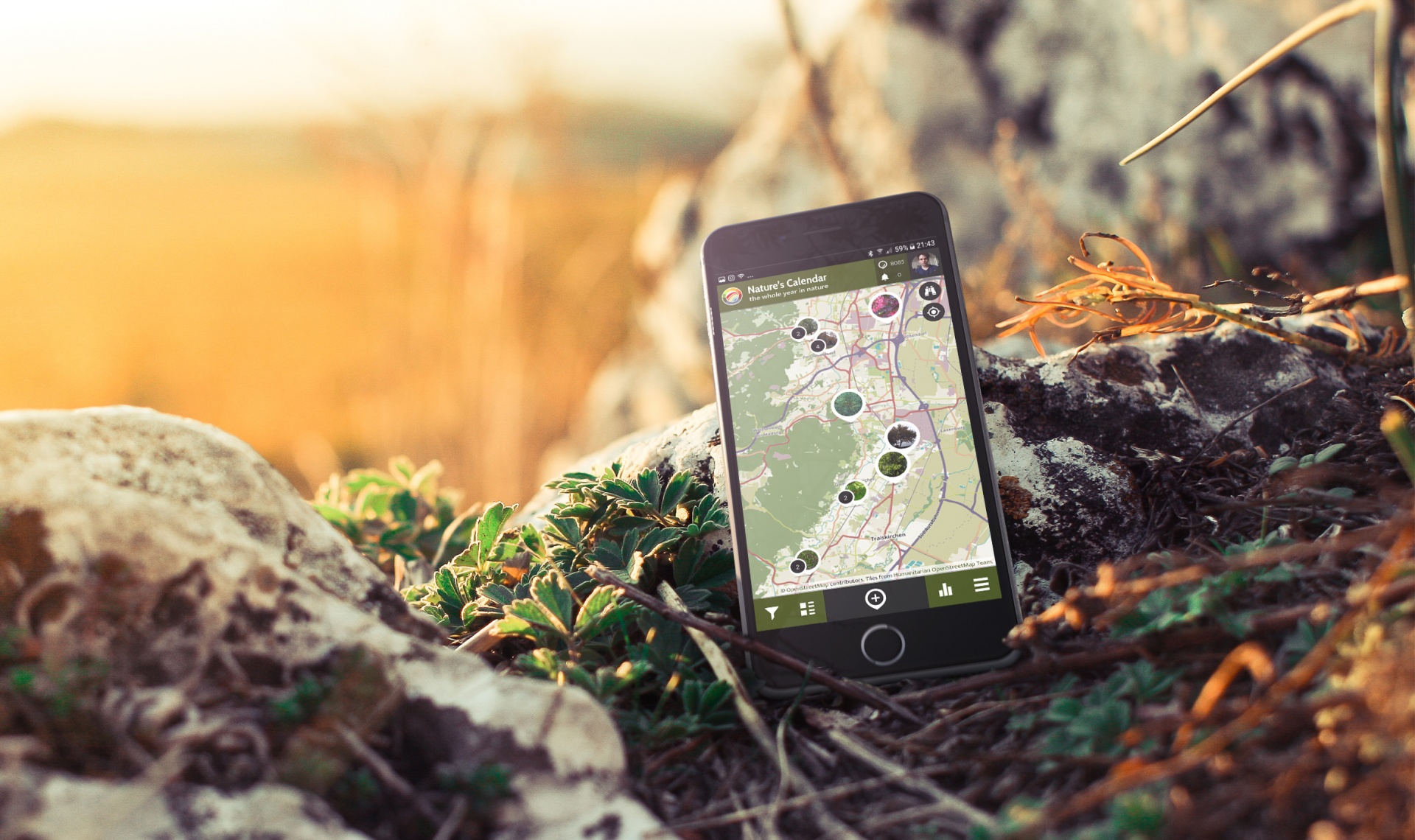
SPOTTERON is based on a fixed price model, providing the complete service inclusive design and development of the apps, data management and constant updates. By this model, we can guarantee the continuous maintenance and development of your smartphone apps and tools completely without in-app advertising nor user data monetarization.
Lightweight package! For web-based projects, we provide the full feature interactive map for the browser, which can also be embedded in any project website, including support and updates.
We build your custom smartphone apps for Android & IOS and your interactive map for browsers, which can be integrated into any website, complete setup, support and updates.
Besides the custom smartphone apps for Android & IOS and the interactive map with support & updates, we also design & develop your own professional project website including hosting.
All packages include the design and development of the apps for Android & IOS, the interactive map (web-app) for browsers. We create custom designs for your apps like buttons, the app icons, project logo and other media elements.
During the whole runtime of your project, we provide full support and regular updates for optimal stability, security and compatibility in the fast-changing world of mobile technology while also introducing new platform features.
We take care of setting up the presence of your project's apps on the app stores for Android & IOS with your project descriptions, image teasers and phone mockups for a high-quality first impression for new users..
All projects on the platform have full access to the secure administration area for data and community management. The admin area also provides data filters and an export tool of all contributions in the project's app in realtime.
Outdoor apps are often in use where web connectivity is low. All apps on the platform include an offline mode with map area downloads, spot saving and a waiting queue for new observations, saved locally without an internet connection..
Every app on the platform includes a full feature social community toolkit with many advanced functionalities like a user's newsfeed, comments, liking, following and even push messaging for getting in contact with the participants directly.
To foster data quality in your project, various tools are built into all apps on the platform for giving feedback, highlight well-done observations for training and promote experienced users to help with classifications of all contributions.
Increasing the long-term motivation of the participants is an essential key element in running volunteer-based projects. All apps include tools for automatically rewarding users for their data submissions and community activity.
In addition to the basic SPOTTERON package, customizeable extra features and content options are available to extend the functionalities of your App Toolkit and to utilize project-specific tools for special requirements in extend to the wide spectrum of automatically integrated platform features.
In the SPOTTERON Info-Panels feature, additional information and pictures can be displayed on-click in lists and input fields directly in the data submission dialogue. The project-specific implementation is based on SPOTTERON Package B and the project team can self-edit content of infopanels via the project website's administration interface.
When opening up an App the first time, a number of Intro Slides are welcoming new users and give tips about how to use the app. As a graphic design task, we can create your project-specific customized Intro Slides in all included languages of your App and integrate them in the Apps for Android and IOS.
Extending to the two languages already included in each basic package, we can implement an unlimited number of translations in your project's Apps. During the App development process, we provide project-specific translation files for your project with all yet untranslated strings included and implement the languages for the release.
If your project's scale integrates more partner organisations on regional or national level, the SPOTTERON Project Internationalization Toolkit enables regional or country-based data access, community administration and the use of the integrated communication tools. This allows project partners to independently manage and download data and to communicate in the own native language with the local user community.
The project-specific integration of Audio Recording feature enables to attach audio as recording or audio file directly in a user data submission and features a playback component for the detail views of data submissions in the Apps (Android, IOS, Web-App). Audio data is included in the administrator data downlods and in the project-specific API Add-On.
For project with extended need of photo or image submissions and media data volumes, the Multiple Images feature is enabling participants to add a multitude of images one data submission at once in an easy-to-use interface. The feature includes an extended data upload system for data streaming and background upload of contributions to provide a high level user experience and technical quality. The Mutlitple Images feature comes with an image gallery, integrated in the detail view of each user submission in the Apps.
Project User Roles can be utilized in a project to identify different target groups and to display data input options specific to a participant's user role in the App. The project-specific setup of User roles can be used to reflect various levels of knowledge, experience, or different areas of interest for each user, and provide data submission categories specialized for each user role. User role identifiers are inclued in the export and the API for each data point.
Background information on users can sometimes be very important for a research project. The add-on allows projects to include a range of project-specific questions on each user profile, which users can answer and give their consent for sharing the data with the project's team.
Additional co-creation cycles can implement user feedback for input options in the data input dialogue of the apps of the project in an open process. A first prototype version of the app toolkit can be presented to user groups, feedback gathered, changes identified and new app versions are produced to include the co-creation outcomes.