SPOTTERON
App Intro slides for introduction, information and how-to tipps
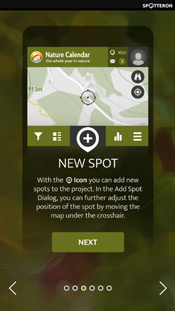
The app intro slides are displayed the first time of using the apps. The intro slides introduce the project to users and give them some background information and/or tips on how to use the app. Displaying of the app intro slides can be repeated by users by selecting 'replay intro' in the menu at any time. Additional slides for the intro can be designed and added to the project's intro slides if desired.
Optimized for outdoor field use
All apps we create for you and your project, are designed for easy out of pocket (possibly offline) use with one hand so that collecting observations will be as simple and easy as possible for the Citizen Scientists contributing to your project.
Collaborative Citizen Science - Project synergies in extension ecosystem

All Citizen Science projects on the SPOTTERON platform can use all custom extensions on the platform without additional costs from the start.
Partners

Trusted by partners from universities and institutions across Europe and other continents, the core of SPOTTERON is a growing network of scientists, experts and stakeholders, running their Citizen Science projects and CitSci websites on the SPOTTERON platform.
Choose from Multiple Map Providers in settings
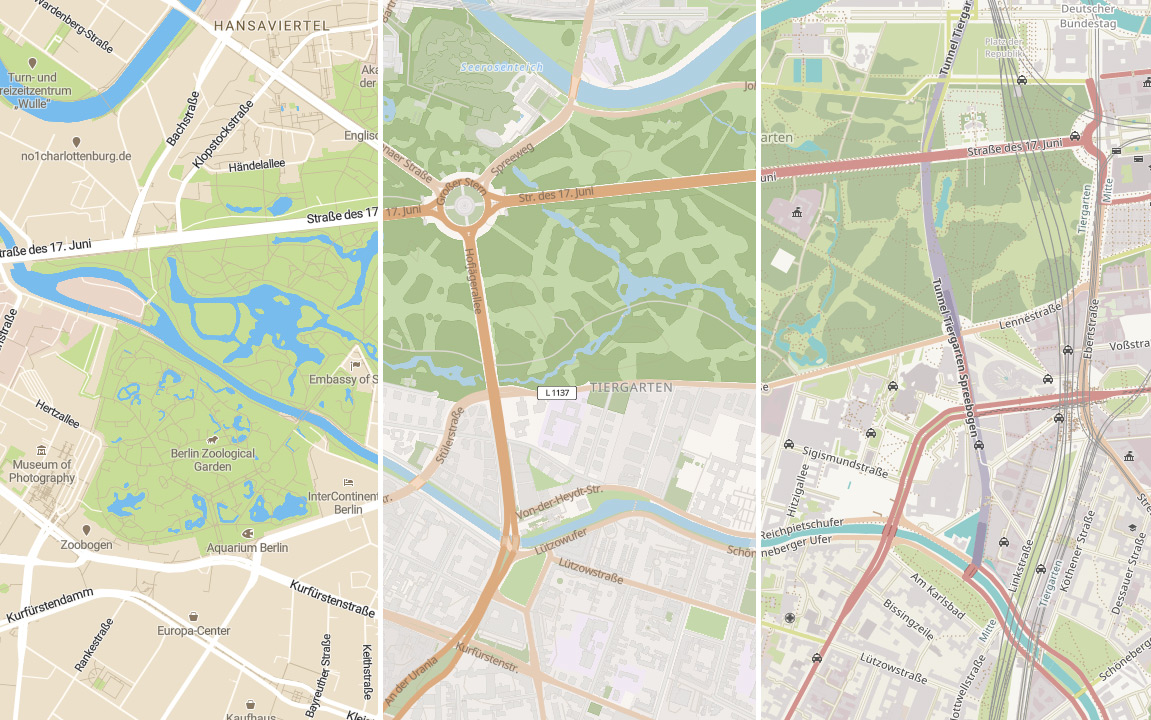
In the app settings, multiple map providers like OpenStreetMap, TopoMap, Mapbox and more are available. You can switch from one map provider to another any time.
Offline mode with automatic waiting queue
The apps can also be used in offline mode. This means that observations can be collected while out in the field when no internet connection is available. These observations are then added to the waiting queue and can later be uploaded or modified.
Custom dialog for adding observations
Every project on the platform gets a custom structured "add spot" dialogue (Data Entry Page). The "add spot" dialogue is designed in collaboration with the project leaders to visualize the questionnaire structure. This data entry page includes individual buttons, multiple selection lists, a foto upload field and a field for further descriptions. If desired, info panels can be integrated into the selection lists to give additional information and ensure high data quality.

EU GDPR: Export a copy of stored personal data
In compliance with the EU General Data Protection Regulation, all of your project's users can instantly export & download an up-to-date copy of their stored personal data for review. The download is protected by secure password protection and is available at the settings panel.
EU GDPR: Anonymization and deletion of accounts
Should a user decide that he wants to delete his/her account, of course we offer the possibillity of account deletion, but we will anonymize the data collected. We do this so you don't have to fear losing valuable data due to account deletion or any legal issues arising from continued use of that data.
EU GDPR compliance
Since SPOTTERON as a platform takes the role of "controller" - not just "processor" - for all user & community-based aspects, you don't have to worry about GDPR compliance. We will take care of it, so you don't have to worry about losing data if a user decides to delete his/her account.